



Buy Business Starter, Standard, Plus and Enterprise plans with guidance on the right fit.

Set up professional Gmail-based business email with your own company domain.

Migrate users, emails and data from Microsoft 365, Zoho, cPanel, Zimbra, Rediffmail and IMAP.

Configure Google Drive, Shared Drives, access permissions and secure file collaboration.

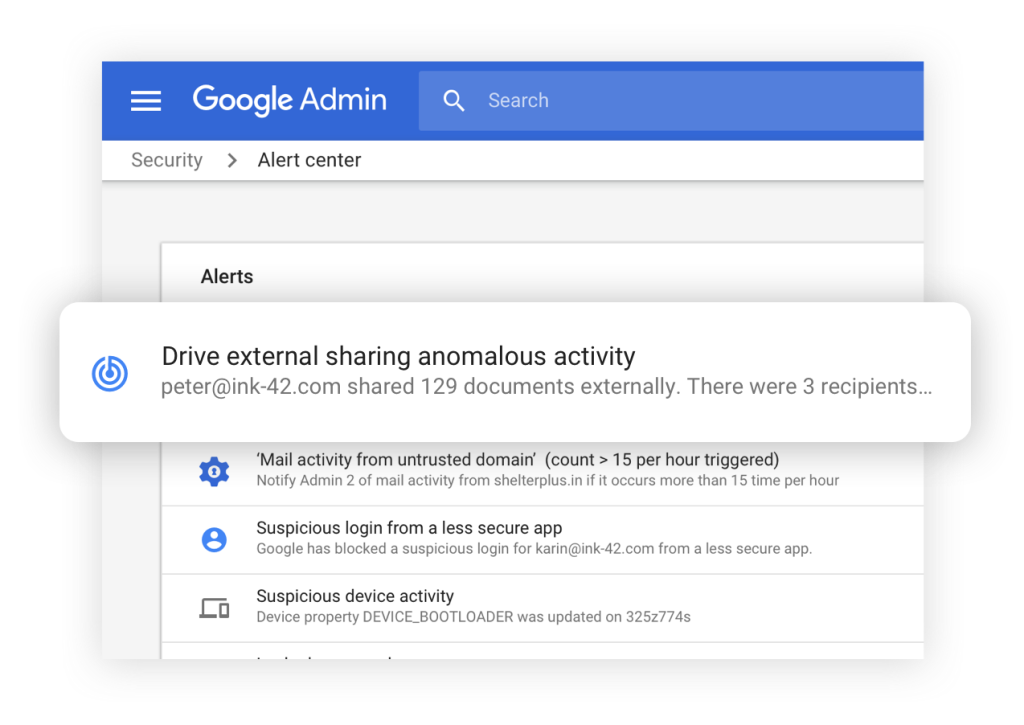
Manage users, aliases, groups, routing, security, compliance and access controls.

Get help for renewals, license changes, mail delivery, DNS, passwords and admin issues.
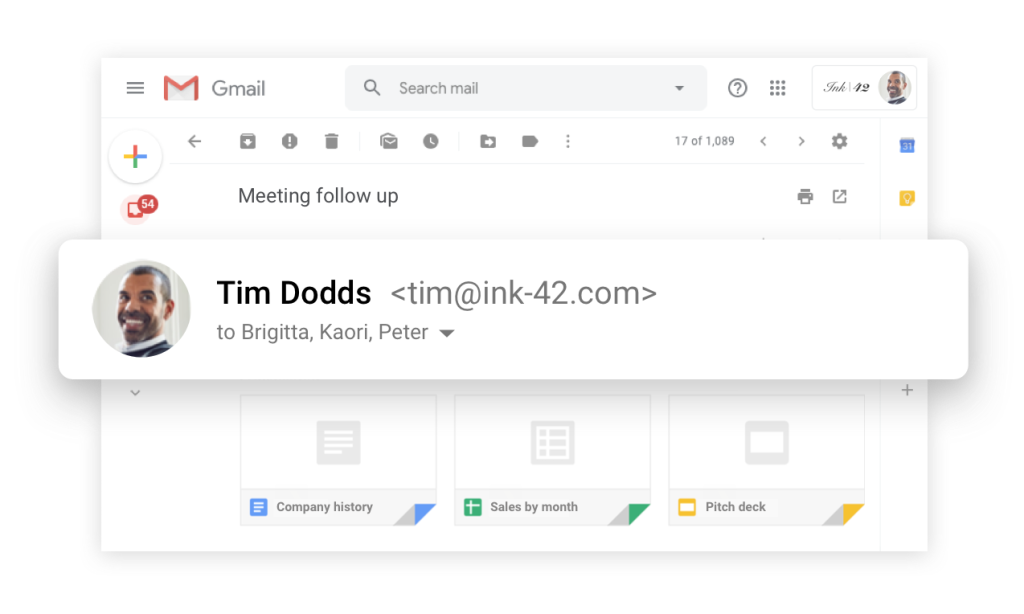

Business Email with Google powered search, customized for your domain name, with storage up to 5 TB, user-friendliness, security, Outlook compatibility, and much more.

The Drive makes it simple to share and save your files to the cloud. The features comprise advanced management settings as well as sharing permission options and more.

Connect at anytime, anywhere, whether at the office or at home, and enable your team members to stay connected through audio and video calls with up to 500 participants at a time.
Easily schedule meetings at a time convenient for both parties, get reminders of meetings, and share and sync calendars on all your mobile devices with ease.

Create, edit, and manage spreadsheet data online with interactive charts and discussion-style comments. Data management, report generation, and sharing have now become easy!
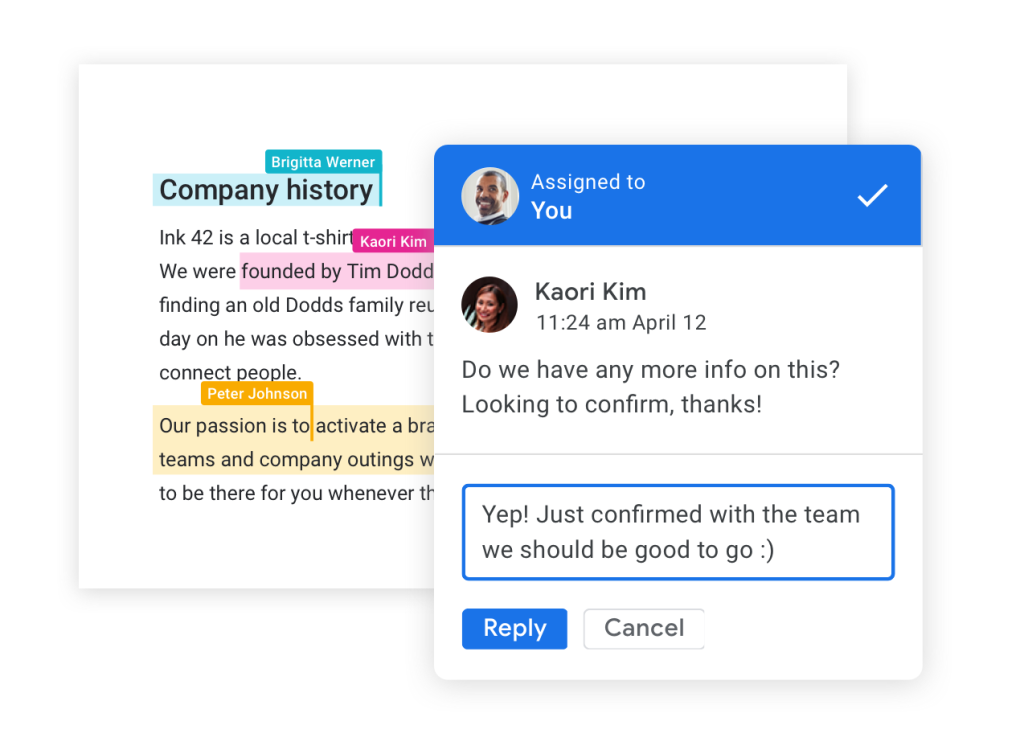
Write and edit documents with pictures, tables, formulas, drawings, links, and co-author in real-time on cloud-based files.
